
Airtable AI: ChatGPT vs Claude (Desktop and Claude Code) vs Airtable Omni
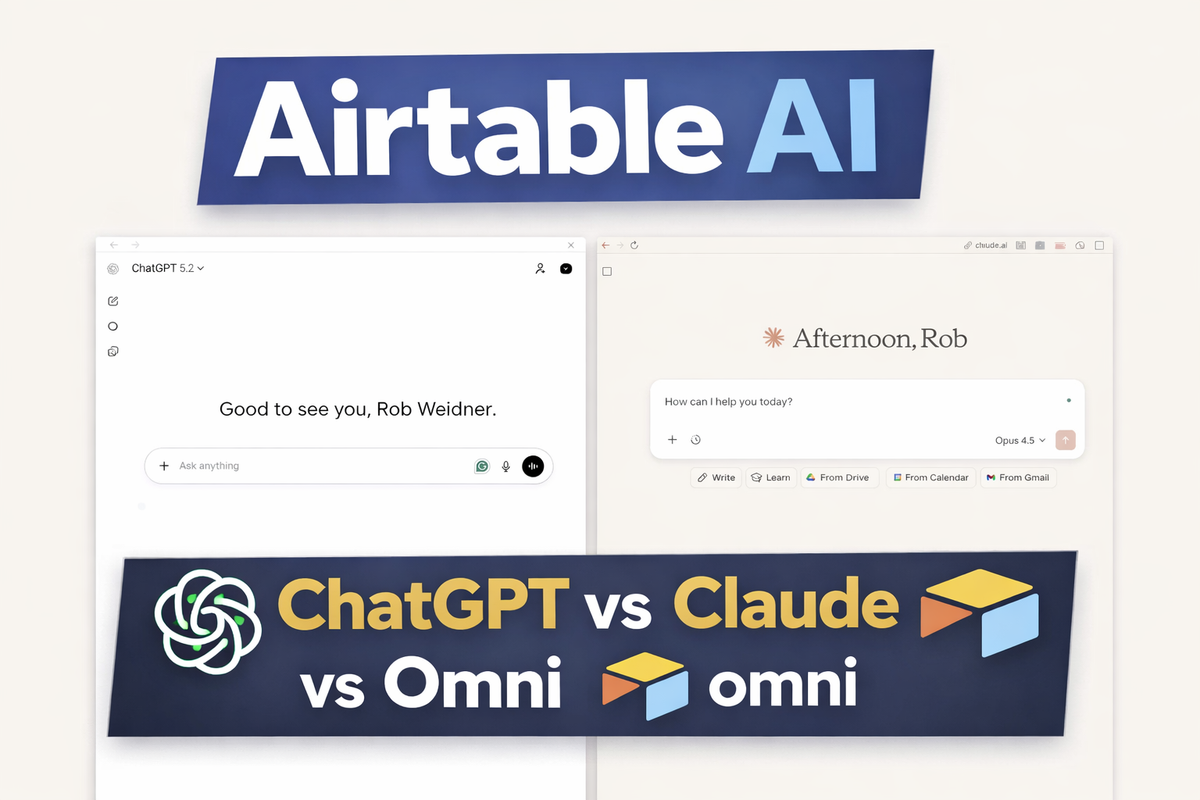
Video: https://youtu.be/_LO9Jtj3M2E
Airtable is still the place I reach for when a workflow needs to become a system. What changed is the number of ways you can talk to it.
This post is a real stress test. I did not compare “answers.” I compared how each AI actually interacts with Airtable.
What I did in the test
I used one real base, House Hunting, and pushed each tool through the same progression.
- Connect to Airtable using the native method for each tool.
- Ask simple questions that require reading records.
- Ask messy questions that require interpreting incomplete fields.
- Escalate into multi step work, where the model has to inspect schema, retry, and choose a new plan.
- Finish with writes and builds, not just summaries.
I tested four paths.
- ChatGPT plus the Airtable app (OAuth)
- Claude Desktop plus an Airtable MCP server (scoped token plus approvals)
- Claude Code plus MCP (tool calls, retries, and file-based outputs)
- Airtable Omni (Airtable native AI for analytics and interfaces)
If you only watch one part of the video, watch the end.
- Claude Code starts behaving like an operator, calling the right Airtable tools and recovering when the first approach fails.
- Omni turns the same base into a usable map interface. That is the moment where “AI answered me” becomes “my team can use this.”
Why I ran the test
Most examples online use clean demo data. That is fine for screenshots, but it hides the hard part.
Messy bases are the norm. Partial addresses, linked records, fields that exist because someone typed a quick note at midnight.
If an AI workflow survives that, it is useful.
The base
House Hunting. It is the Airtable base that my wife and I use to compare places, neighborhoods, notes, and costs.
Some records have full addresses. Some have a landmark and a vibe. That’s the point.
What won
- Fastest to first useful answer: ChatGPT plus the Airtable app for ChatGPT
- Best control: Claude Desktop plus MCP, because it asks before running tools
- Best for multi-stepand work: Claude Code plus MCP, especially when the first attempt fails
- Best for shipping inside Airtable: Airtable Omni, especially for interfaces
Founder take: build a stack, do not pick a single tool.
ChatGPT with the Airtable connector
Setup: install the Airtable app inside ChatGPT apps, choose a base, and ask a question.
It handled basic counts immediately. It also inferred location from context when the data was incomplete.
Use it for: speed, exploration, quick summaries.
Avoid it when you need strict field based logic and you plan to treat the output as ground truth.
Claude Desktop with the Airtable MCP server
Claude on the web did not show Airtable for me. The Airtable connection showed up through Claude Desktop using an MCP server.
If you are new to MCP:
- Start here: Getting started with local MCP servers on Claude Desktop
- Why desktop extensions exist: Anthropic Desktop Extensions
- MCP docs: https://modelcontextprotocol.io/docs/develop/connect-local-servers
Setup: create an Airtable Personal Access Token, scope it, then enable the extension.
- Scope reference: https://www.airtable.com/developers/web/api/scopes
The best part is the permission flow. Claude asks before it runs tool calls.
Allow once. Always allow. Deny.
That changes the vibe. It feels like operating a system, not chatting.
Use it for: blast radius control, auditing, keeping write actions gated.
Claude Code with the Airtable MCP server
Claude Code is where this gets practical for builders.
Docs: https://code.claude.com/docs/en/overview
It will try something, hit an error, inspect the schema, then change strategies.
Example from the video:
I asked how many places were in Texas.
- Claude Code assumed there was a
Statefield and tried to filter by it. - There was no
Statefield. - It failed, then inspected the table structure.
- It noticed Texas lived inside the address text.
- It searched for the term.
- It handled output limits by saving results to a file.
- It counted from the file and explained why it chose that path.
That is the pattern you want for real work: fail, diagnose, adapt.
Then I pushed it into writes.
Task: verify apartment links, find current two bed availability, and log it back into Airtable.
It updated records and left notes with a timestamp and sources.
One real world wrinkle showed up too. A burst of 500 errors came from Claude availability, not Airtable. If you run AI as an operator, uptime matters.
Use it for: multi step enrichment, retries, write backs.
Airtable Omni
Omni is the cleanest path when the goal is shipping inside Airtable.
Overview: https://www.airtable.com/platform/ai
How to use it: https://support.airtable.com/docs/using-omni-ai-in-airtable
For a question like “how many places are in Texas,” Omni did the literal thing. It looked for Texas in the address field and returned a count.
Then it did the part most builders miss.
Interfaces.
I asked for a map interface from the Places table. Omni generated it. I dropped in a Mapbox token and it worked.
Mapbox token basics: https://docs.mapbox.com/help/dive-deeper/access-tokens/
Pins, record details, zoom.
That is the gap between: “AI answered me” and “my team can use this.”
How I’d use these as a builder
- ChatGPT plus the Airtable app for quick reads, summaries, and getting oriented
- Claude Desktop plus MCP for safer operations, especially when write permissions are involved
- Claude Code plus MCP for heavy lifting, enrichment, and tasks that need retries
- Omni for building Airtable native UI and getting something usable in front of people fast
Security, the non-negotiable part
Personal Access Tokens are real keys.
Create and manage them here: https://support.airtable.com/docs/creating-personal-access-tokens
Rules I follow:
- Scope tokens tightly. Read only unless you truly need writes.
- Rotate tokens after demos and experiments.
- Keep approvals on when an AI can delete or overwrite records.
- Never share API Keys, PATs, or Passwords!
The point is not paranoia. The point is avoiding the moment when an assistant updates 200 records because you phrased a sentence loosely.
Your turn
What Airtable job do you wish an AI would take this week?
Cleanup, enrichment, reporting, automations, and interfaces.
Reply with the messy version of the task. I’ll suggest which path to use and a prompt that fits that exact job.
#Airtable #NoCode #AI #Automation